

Create memories with the
Disney® Visa® Credit Cards
from Chase
Create memories with the
Disney® Visa® Credit Cards from Chase

Create memories with the
Disney® Visa® Credit Cards
from Chase
Create memories with the
Disney® Visa® Credit Cards from Chase
Create memories with the
Disney® Visa® Credit Cards from Chase
Create memories with the
Disney® Visa® Credit Cards from Chase
Create memories with the
Disney® Visa® Credit Cards from Chase
Create memories with the
Disney® Visa® Credit Cards from Chase
Make it possible with the Disney Premier Visa Card
Make it possible with the Disney Premier Visa Card
$300
CREDIT
New Cardmembers can earn a $300 statement credit after spending $1000 on purchases in the first 3 months from account opening.1
This product is available to you if you do not have this card and have not received a new Cardmember bonus for this card in the past 24 months.

Disney Benefits with Disney Visa Credit Cards from Chase
Disney Benefits with Disney Visa Credit Cards from Chase

DISNEY VISA CREDIT CARD PERKS
- Cardmembers save 10% on select purchases at DisneyStore.com when you use your Disney Visa Credit Card.4
- Cardmember photo opportunities at private locations at the Disneyland® Resort and Walt Disney World® Resorts.56
- Receive 10% off select dining locations most days at the Disneyland® Resort and Walt Disney World® Resorts when you use your Disney Visa Credit Card.57
DISNEY VISA CREDIT CARD PERKS
- Cardmembers save 10% on select purchases at DisneyStore.com when you use your Disney Visa Credit Card.4
- Cardmember photo opportunities at private locations at the Disneyland® Resort and Walt Disney World® Resorts.56
- Receive 10% off select dining locations most days at the Disneyland® Resort and Walt Disney World® Resorts when you use your Disney Visa Credit Card.57
DISNEY VISA CREDIT CARD PERKS
- Cardmembers save 10% on select purchases at DisneyStore.com when you use your Disney Visa Credit Card.4
- Cardmember photo opportunities at private locations at the Disneyland® Resort and Walt Disney World® Resorts.56
- Receive 10% off select dining locations most days at the Disneyland® Resort and Walt Disney World® Resorts when you use your Disney Visa Credit Card.57
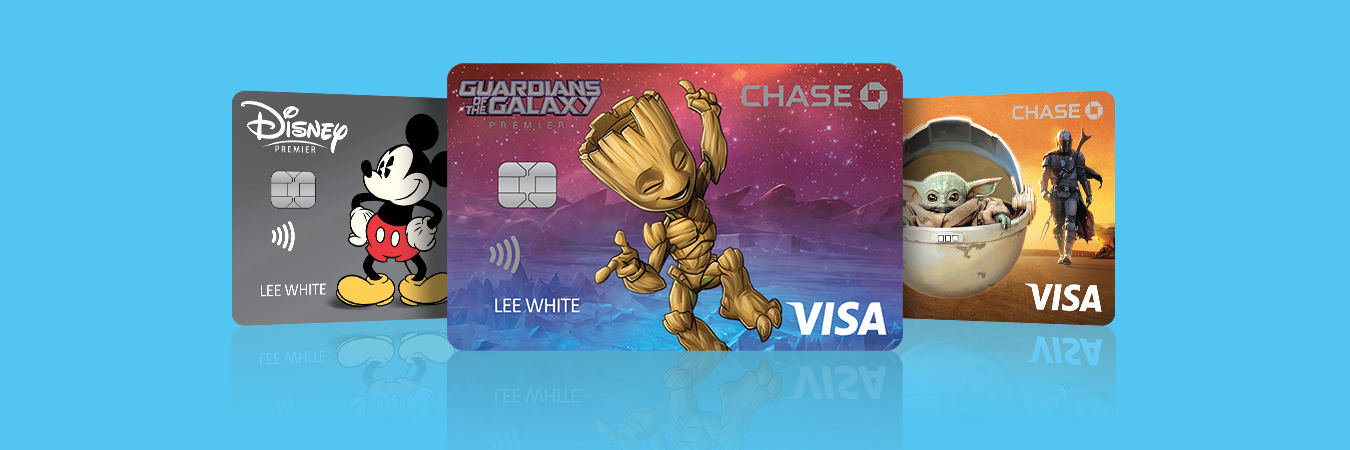
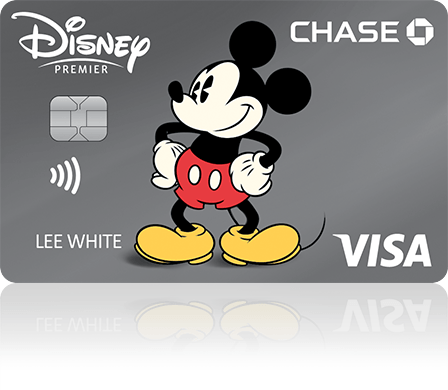
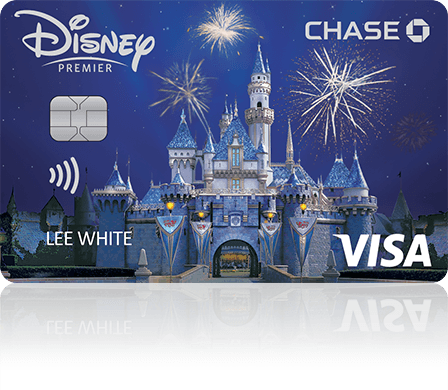
CHOOSE YOUR HERO
Update the Disney Visa Credit Card design in your wallet for free—because changing your mind is part of the fun.3
CHOOSE YOUR HERO
Update the Disney Visa Credit Card design in your wallet for free—because changing your mind is part of the fun.3
CHOOSE YOUR HERO
Update the Disney Visa Credit Card design in your wallet for free—because changing your mind is part of the fun.3

REDEEM YOUR REWARDS DOLLARS
The Disney Visa Credit Card is the only card that lets you redeem Disney Rewards Dollars toward the Disney merchandise and experiences you love. Learn more on how to get the most from your card.8910
REDEEM YOUR REWARDS DOLLARS
The Disney Visa Credit Card is the only card that lets you redeem Disney Rewards Dollars toward the Disney merchandise and experiences you love. Learn more on how to get the most from your card.8910
REDEEM YOUR REWARDS DOLLARS
The Disney Visa Credit Card is the only card that lets you redeem Disney Rewards Dollars toward the Disney merchandise and experiences you love. Learn more on how to get the most from your card.8910
Ready to become a Disney Premier Visa Cardmember?
New Cardmembers can earn a $300 statement credit after spending $1000 on purchases in
the first 3 months from account opening with the Disney Premier Visa Credit Card.1

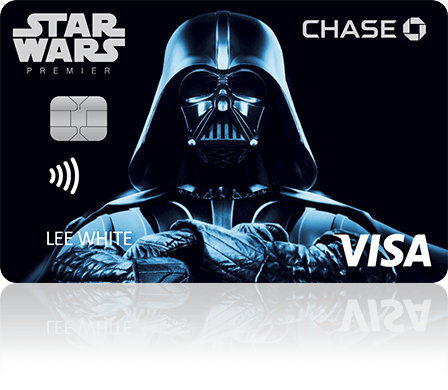


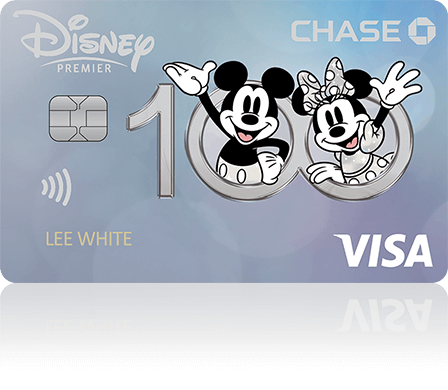
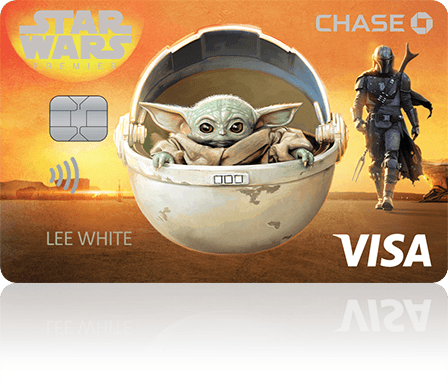


Interested in our No Annual Fee card?
Compare the Disney Visa and Disney Premier Visa Cards.